
iOS

TipScan

Point your camera at a receipt and Apple Intelligence pulls every line item, the subtotal and tax — then split the check and send everyone their share.

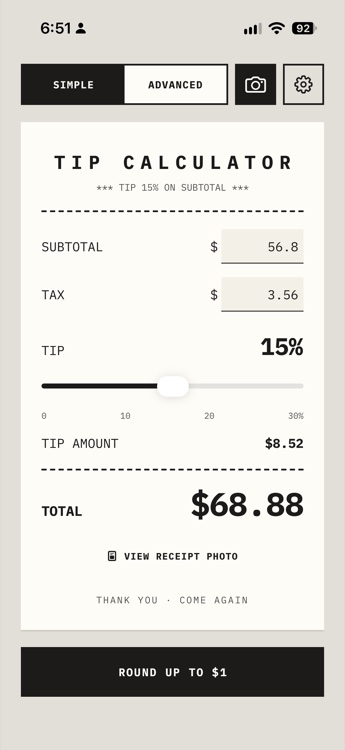
TipScan calculator with subtotal, tax, a tip slider set to 15% and the total
Calculator
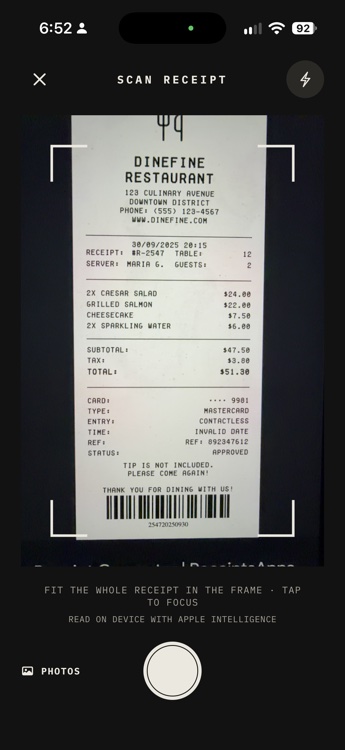
TipScan camera viewfinder framing a restaurant receipt
Scan
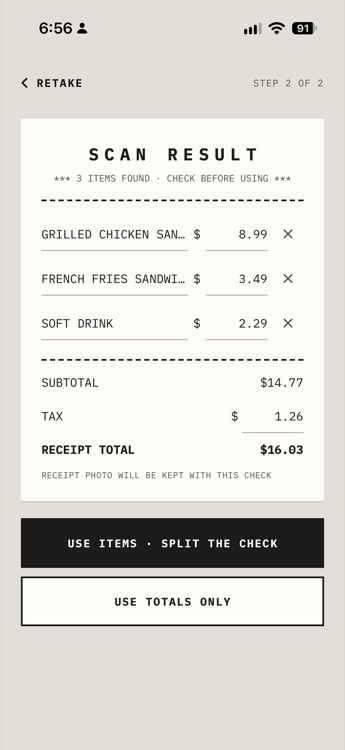
TipScan scan result listing each line item with the subtotal, tax and receipt total
Result

What it does

Calculator

Enter the subtotal and tax, slide to the tip you want and see the total. Round up with one tap.

Scan

Point the camera at a receipt. It's read on your device with Apple Intelligence.

Result

Every line item plus the subtotal and tax, ready to split the check or use the totals.

TipScan

Privacy policy

Last updated September 2026

ibunno.com/tip-scan/#privacy

Data collected
Anonymous usage analytics: which screens you open and actions such as scanning, sharing or requesting a payment, together with crash and diagnostic information used to fix bugs. No account, no name, no email. Nothing about the checks themselves — amounts, items, guest names, payment handles — is collected.
Camera and receipts
Receipts you scan are read on your device with Apple Intelligence. Receipt photos and the line items pulled from them stay on your device and are never uploaded.
Sharing and payments
The bill image, text and payment requests you create go only to the people you choose to send them to, through the apps you pick. The payment usernames you enter in Settings stay on your device and appear only in the requests you send.
Third parties
Analytics data is processed by analytics services on our behalf. It is never sold and never used for advertising.

Questions about this policy: support@ibunno.com

More from Bunno Studio